Type with one hand.
Example: with the left hand, pressing G E S S W and then Space types “hello”. Each key also types its mirror on the other half of the keyboard.
Each key also types its mirror: G is also H
Coming to Mac · Free 30-day trial · $19 once · macOS 14 Sonoma or later
The Mac app adds sentence context and learns your vocabulary.
See how it worksNothing new
to memorize.
Your fingers keep their jobs. Only the hand changes, so you are not learning a new keyboard. You are using the one you know from the other side.
- First minute. Type a word and the pattern clicks. Press Q, get P.
- First session. Write a short note in your own words.
- First few hours. In the Half-QWERTY study of this mirror, touch typists using one hand passed hunt-and-peck speed after 3 to 4 hours of practice.
From a few words
to everyday writing.
The demo above runs on a small dictionary. The Mac app brings the same mirror to your email, notes, and ordinary text fields, and uses the whole sentence and the words you actually use to pick the right reading.
Start with guided practice, then move on to your own email and notes. Speed builds with practice, and you can switch hands or pause whenever you need to.
How the Mac app works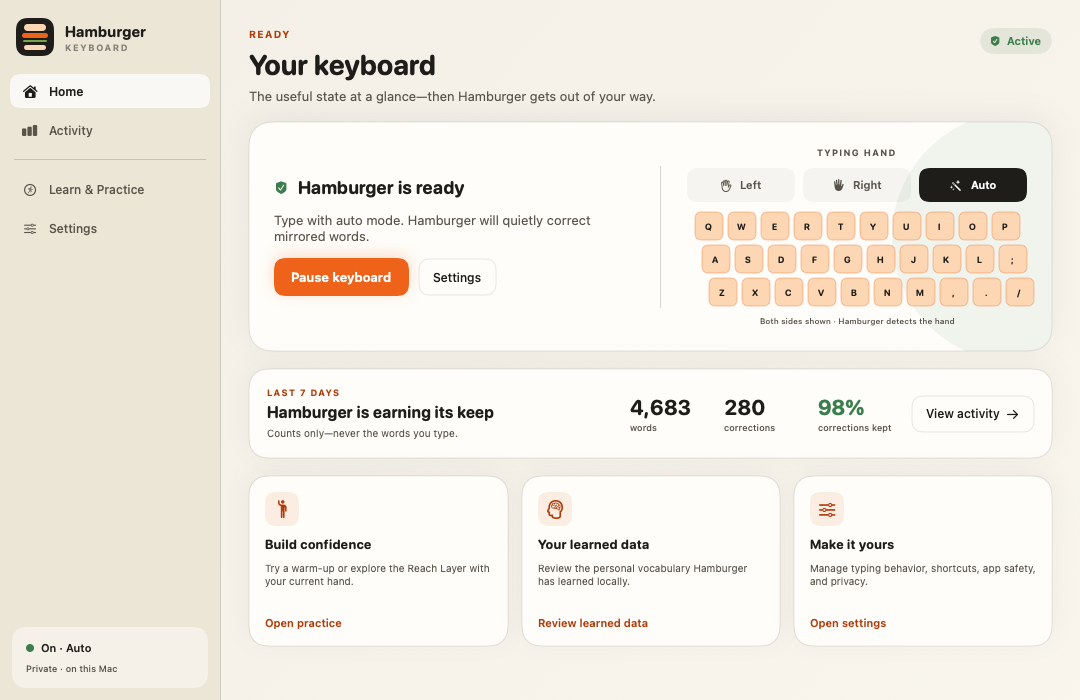
Use the hand
available to you.
Recovering from an injury. Living with one hand. Resting a wrist that hurts. Holding a baby, a phone, or a sandwich. Choose Left or Right and use the keyboard you already own.
Guided practice starts with a few words at a time. Take your time and see how the movement fits your own writing.
Who it is for, and how long it takesYour typing stays
on your Mac.
Hamburger asks for two macOS permissions: Input Monitoring, to read the keys you press, and Accessibility (Device Control and Data Access on macOS 27), to replace them with the corrected word. Both jobs happen on your Mac.
Corrections run on-device and your learned vocabulary stays local. Activity stores counts, never the words you type. Password fields are left alone, and you can pause correction in any app.
Privacy and permissions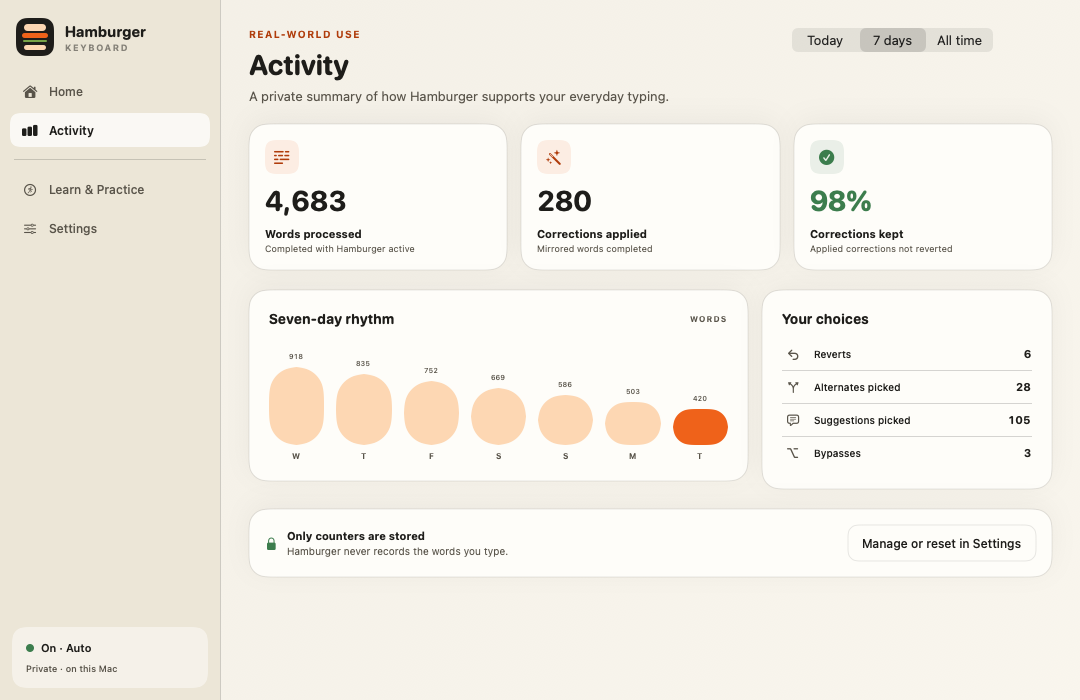
Try it on your own writing.
A fully featured 30-day trial. $19 once if it fits, with a 30-day refund if it does not.